
Read AI Answers Aloud
Listen to ChatGPT, Claude, Gemini, and Grok instead of reading every word.
AI assistants answer at length, and the good answers are the long ones. unChonk reads the response out loud in your browser with natural AI voices and real-time word highlighting, so you can take in a full explanation while your hands and eyes are somewhere else.
Long answers are easier to hear than to read
Ask a real question and you get back several screens of text. Somewhere around the third scroll your eyes start skimming, and skimming is how you miss the one paragraph that actually answered you. Listening keeps you at the pace of the explanation rather than the pace of your scroll wheel.
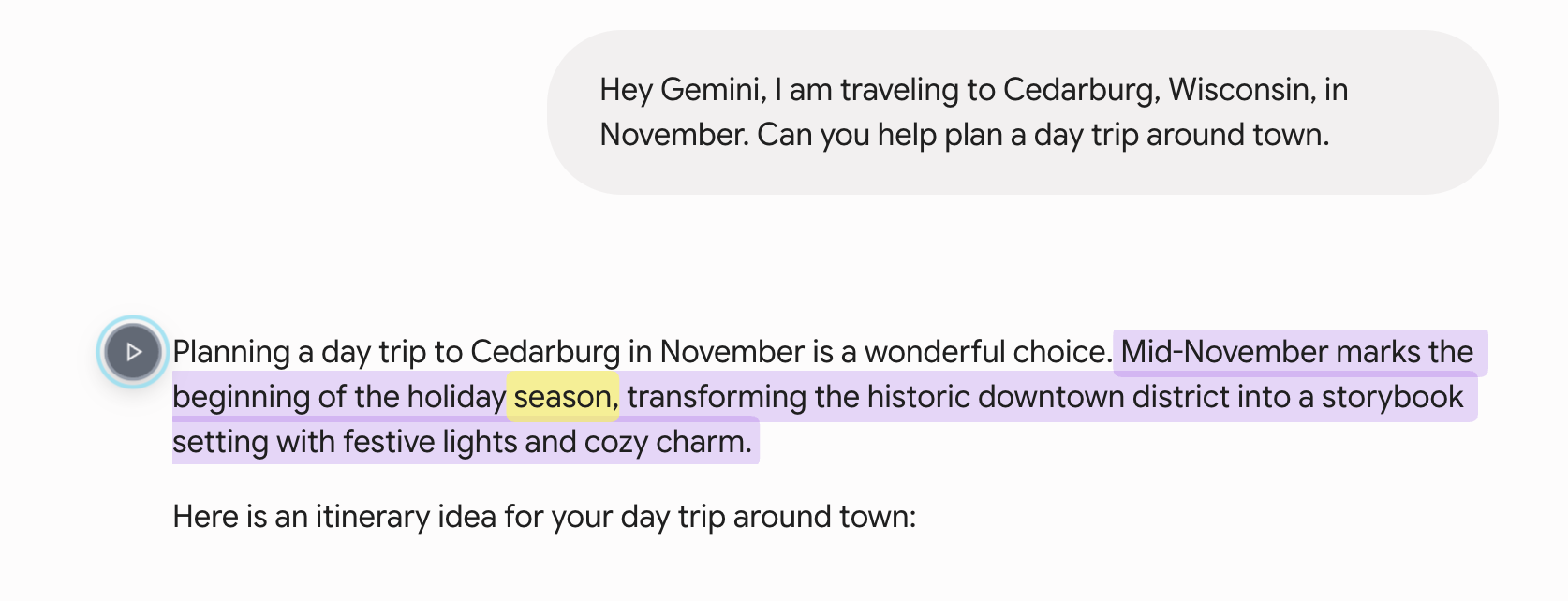
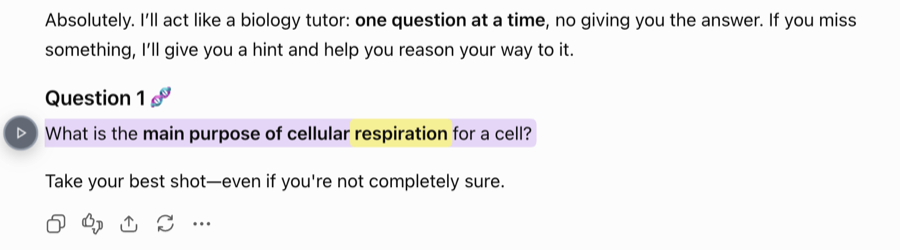
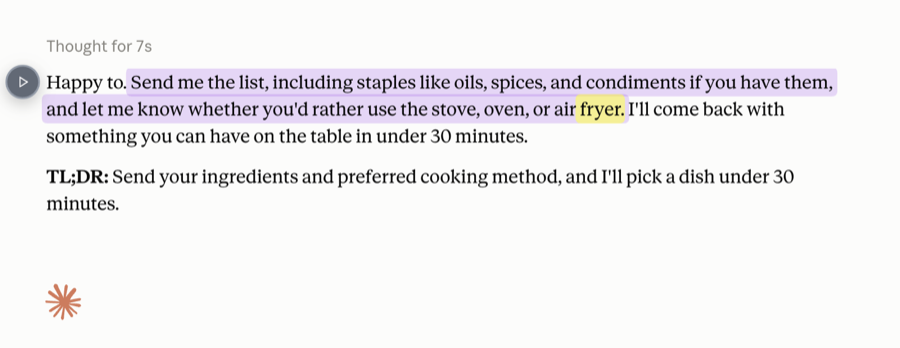
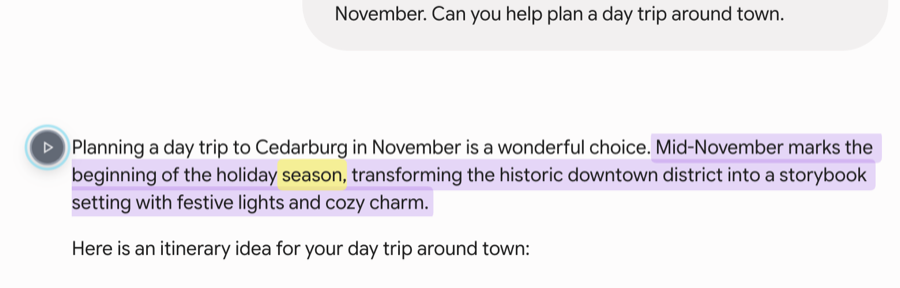
unChonk reads the answer out loud and highlights each word as it speaks, so you can follow along on screen or look away entirely. Speed it up when the model is being verbose, slow it down when it gets to the part you asked about, and keep listening while you switch tabs to try what it just told you.
It is the same extension that reads the rest of your browser, so the article you were sent, the PDF you were forwarded, and the answer you just asked for all read aloud the same way.
Works across the AI assistants you use
unChonk reads the page rather than plugging into any one service, so it keeps working as these sites change and as you move between them.
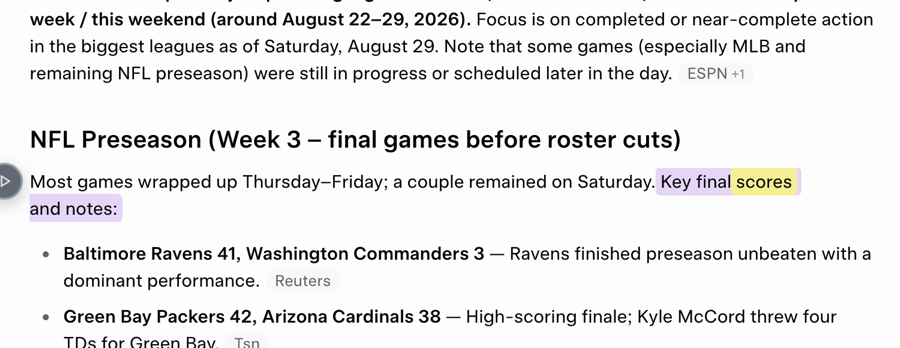
What it does on an AI chat page
Reads the answer, not the interface
It works out which part of the page is the response and skips the sidebar, the chat history, and the buttons around it.
Real-time word highlighting
Each word lights up as it is spoken, included on the free tier, so a long answer is easy to follow and easy to rejoin.
Listen to just the part you need
Select a paragraph or a block of the answer and unChonk reads only that, which is quicker than replaying the whole response.
The same extension everywhere else
Articles, PDFs, and Google Docs read aloud with the same voices and the same controls. No second tool to install.
Frequently asked questions
Can I listen to ChatGPT answers instead of reading them?
Yes. unChonk is a Chrome extension that reads the answer on screen out loud with natural AI voices, and highlights each word as it goes so you can follow along. It works the same way on Claude, Gemini, and Grok, and on the rest of the web too.
Which AI chat sites does unChonk read aloud?
ChatGPT, Claude, Gemini, and Grok. unChonk reads the page rather than plugging into any one service, so it picks out the answer itself instead of the sidebar, the prompt box, and the rest of the interface around it.
Does it read the whole page or just the answer?
Just the answer. unChonk works out which part of the page is the actual content and skips the navigation, the chat history sidebar, and the buttons, so you hear the response and nothing else. You can also select any passage and have only that read aloud.
Is reading AI answers aloud free?
unChonk is pay as you go with a free tier, so there is no subscription. Word highlighting is included on the free tier, and the extension installs in seconds.
Let your AI assistant read its answers to you
Install unChonk free and listen to the next long answer instead of scrolling it.
Add unChonk to Chrome